
Set up a Grandstream HT812 or HT814
Register analogue phones on the two- or four-port models.
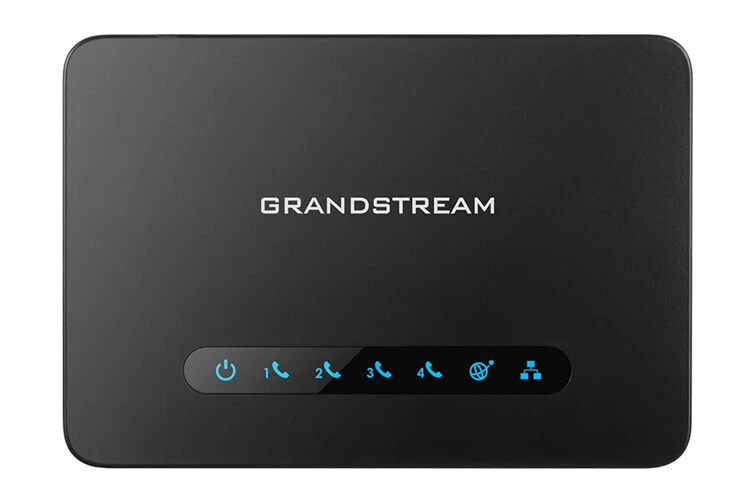
On these models the server goes on a Profile page and each phone port has its own account.
Steps
- Open the ATA's web page and log in with the password on the label.
- Go to the Profile page, enter the SIP server and set Account Active to Yes.
- Go to the FXS Port page and enter each port's user ID, authenticate ID, password and name.
- Make sure each port's Profile ID matches the profile you set up.
- Click Save and Apply, then check Status → Port Status.
Tip: On HT81x models the web page is turned off on the internet (WAN) port by default. Dial
***, then 12, then 9 from a connected phone to turn it on.