
Factory reset a Grandstream ATA
Wipe an HT series ATA back to defaults.
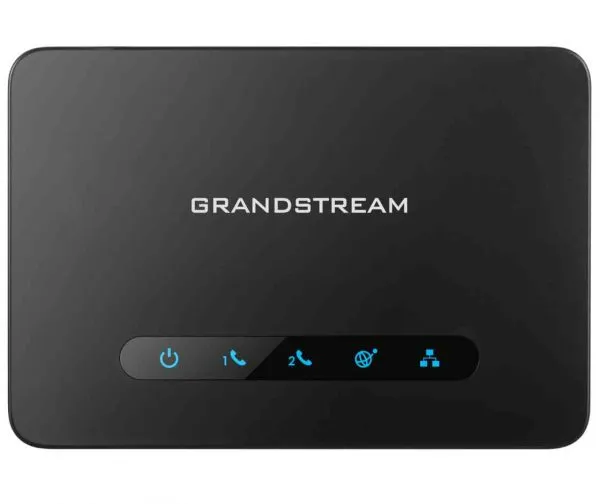
A reset removes all settings.
Steps
- Unplug the network cable.
- Press and hold the Reset button for about 7 seconds, then let go.
- Wait for the ATA to restart.
- Alternatively, use Maintenance → Restore Factory in the web page.