
Update Grandstream ATA firmware
Install the latest firmware on an HT series ATA.
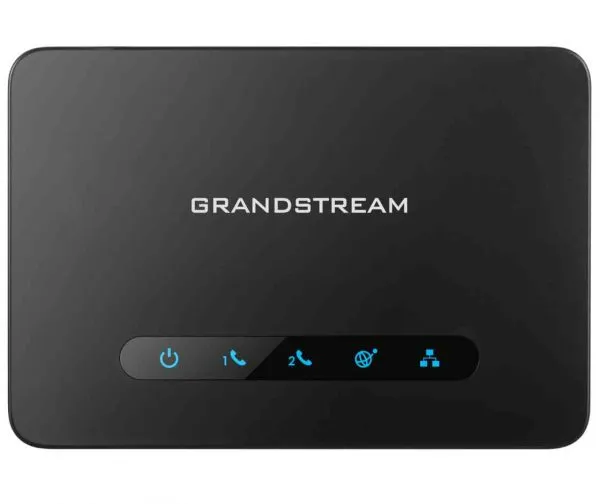
Updates fix bugs and improve compatibility.
Steps
- Log in to the ATA's web page.
- Go to Maintenance → Upgrade → Firmware.
- Upload the firmware file, or enter Grandstream's firmware server and protocol.
- Click Save and Apply, restart the ATA, and check the new version on the Status page.