
Change a Grandstream ATA's admin password
Secure an HT series ATA.
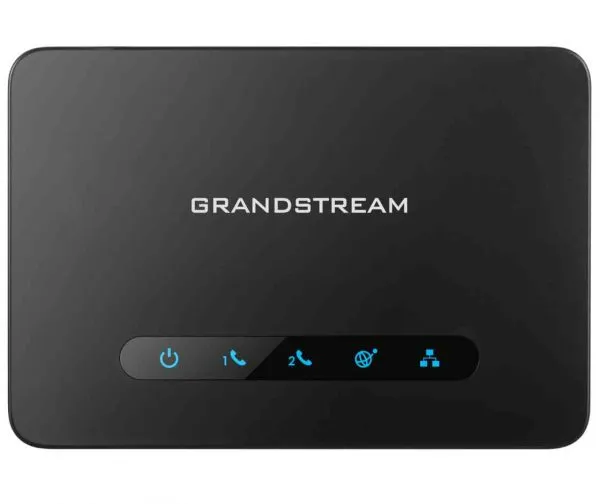
The default password on the label is unique, but change it if others may see the label.
Steps
- Log in to the ATA's web page.
- Open the admin password setting (under the basic or maintenance settings).
- Enter and confirm a new password.
- Click Save and Apply.