
Find a Grandstream ATA's IP address
Use the voice menu to hear the address.
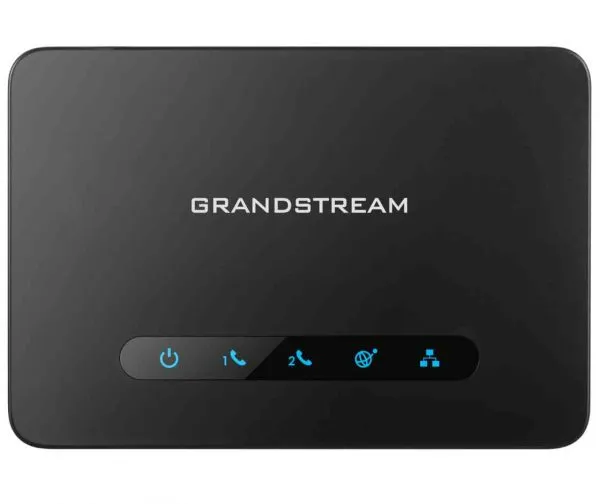
ATAs have no screen, so they read the IP address out to you.
Steps
- Plug a normal phone into the ATA's Phone (FXS) port.
- Lift the handset and dial
***to open the voice menu. - Dial
02.The ATA reads out its IP address. - Type that address into a browser to open the web page.