
Set up a fax machine on a Grandstream ATA
Send and receive faxes over VoIP.
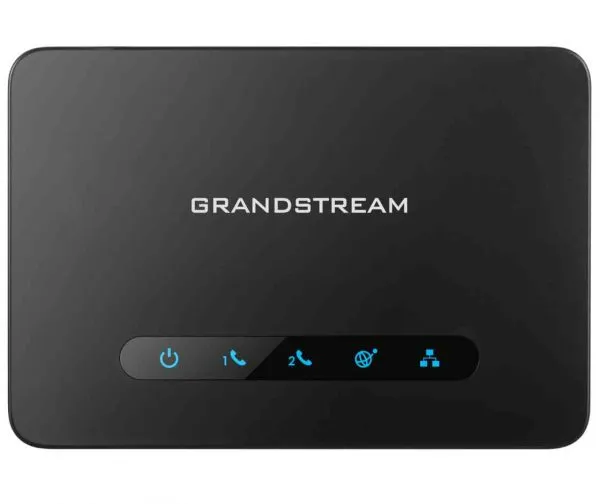
Grandstream ATAs support T.38 fax, which is more reliable than sending fax as audio.
Steps
- Plug the fax machine into a phone port on the ATA.
- On that port's settings page, set the fax mode to T.38, if your provider supports it.
- If your provider doesn't support T.38, use pass-through mode with the G.711 codec.
- Send a test fax to check it works.