
Set up a Fanvil GA10 or GA11 ATA
Connect an analogue phone, fax or alarm to VoIP.
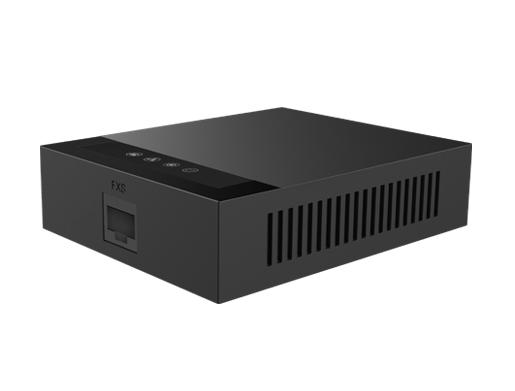
The GA10 and GA11 are single-port ATAs that support two SIP accounts.
Steps
- Connect the ATA to your network and power it up.
- Find its IP address in your router's list of devices, or by following the quick installation guide in the box.
- Open the IP in a browser and log in with the details in the quick guide.
- Open the SIP line settings and enter your server, username, authentication user and password.
- Save and check the line shows as registered.