
Factory reset a Fanvil ATA
Wipe a GA10 or GA11 back to defaults.
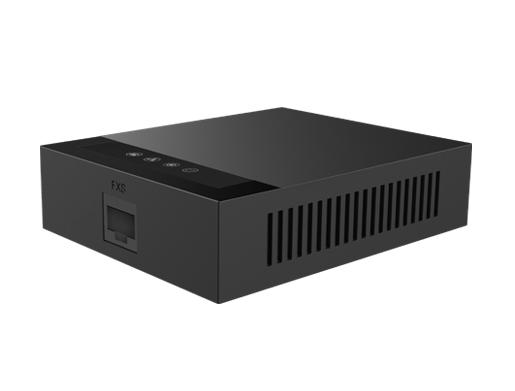
A reset removes all settings.
Steps
- Find the reset pinhole or button on the ATA.
- With the ATA powered on, hold the button for around 10 seconds.
- Wait for the ATA to restart.
- Log in again with the default details from the quick guide.
Tip: Check your model's user manual for the exact reset method.