
Connect an alarm or lift phone to a Fanvil ATA
Keep a monitored device working over VoIP.
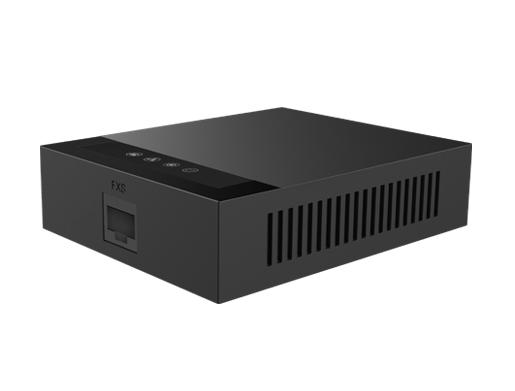
Alarms and lift phones are sensitive to audio quality, so test carefully.
Steps
- Plug the device into the ATA's phone port.
- Use the G.711 codec only, as compressed codecs can break alarm signals.
- Make sure the ATA has a reliable power supply, ideally a UPS.
- Ask your monitoring company to send a test signal and confirm it arrives.