
Use the second SIP account on a Fanvil ATA
Register a backup or second line.
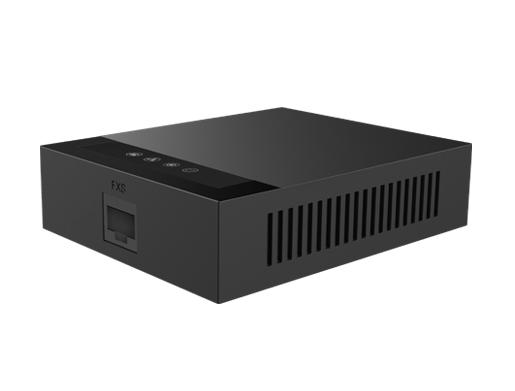
The GA10 and GA11 support two SIP accounts.
Steps
- Log in to the ATA's web page.
- Open the second SIP line settings.
- Enter the second account's server, username and password, and activate it.
- Choose which account the phone port uses for outgoing calls, then save.