
Change the Fanvil ATA admin password
Secure the ATA's web page.
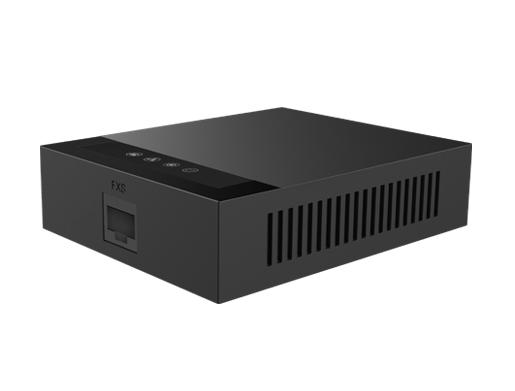
Change any default password before you leave the site.
Steps
- Log in to the ATA's web page.
- Open the account or password settings under the system menu.
- Enter a new password and save.
- Keep the password somewhere safe.