
Find a Fanvil ATA's IP address
Locate a GA10 or GA11 on your network.
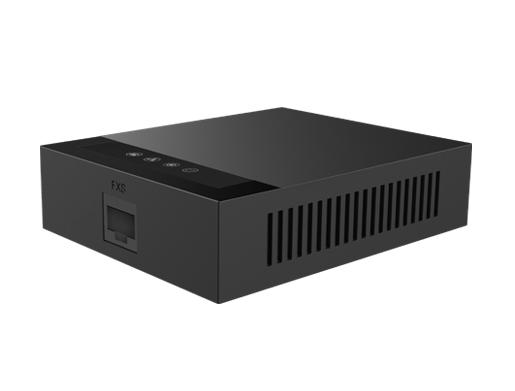
ATAs have no screen, so you find them through your network.
Steps
- Log in to your router and open its list of connected devices.
- Look for a device named Fanvil, or match the MAC address on the ATA's label.
- Note the IP address and open it in a browser.
- Your quick installation guide may also describe a voice menu for reading out the address.