
Make a Grandstream ATA port dial automatically
Set up a hotline, such as a lift or door phone.
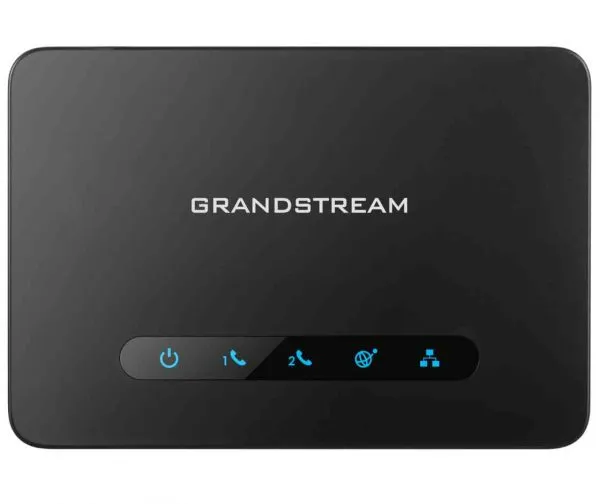
An off-hook auto-dial number rings a set number as soon as the handset is lifted.
Steps
- Log in to the ATA's web page and open the FXS port settings.
- Find the off-hook auto-dial setting.
- Enter the number or extension to ring.
- Click Save and Apply, then lift the handset to test.