
Connect an alarm to a Grandstream ATA
Keep alarm monitoring working over VoIP.
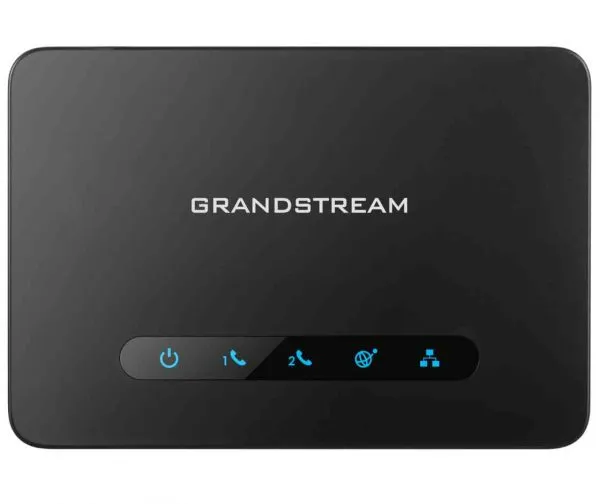
Alarm signals need clean, uncompressed audio.
Steps
- Plug the alarm panel into a phone (FXS) port.
- Set that port to use G.711 only.
- Power the ATA from a UPS so it works during short outages.
- Ask your monitoring company for a test signal.