
Set up a Poly VVX phone
Register a VVX 150, 250, 350 and 450 phone to your phone system.
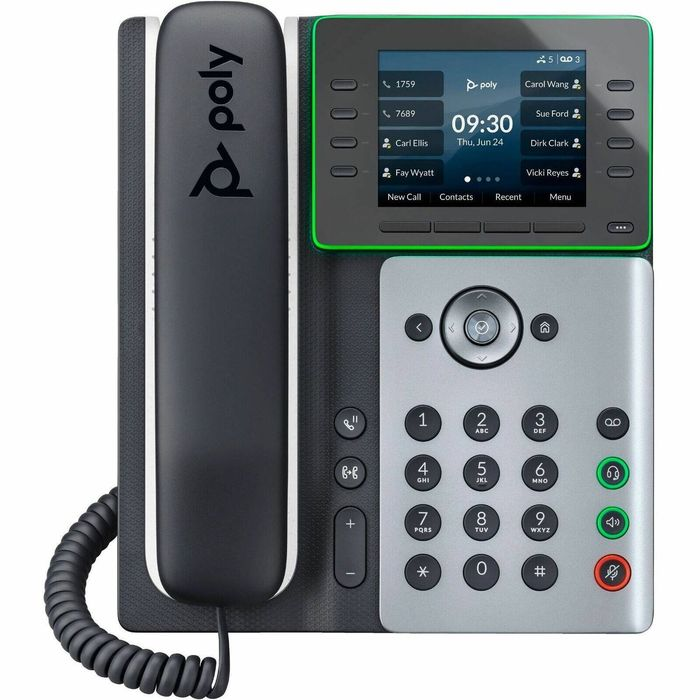
These steps cover the VVX 150, 250, 350 and 450. If your phone system supports auto-provisioning, use that instead.
Steps
- On the phone, go to Settings → Status → Network to find the IP address.
- Open the IP in a browser and log in as Admin (default password
456). - Go to Settings → Lines, open Line 1 and enter your SIP details and server.
- Save and wait for the phone to restart.
- Change the admin password.