
Register a Poly VVX or Edge E phone
Set up a SIP line using the web configuration page.
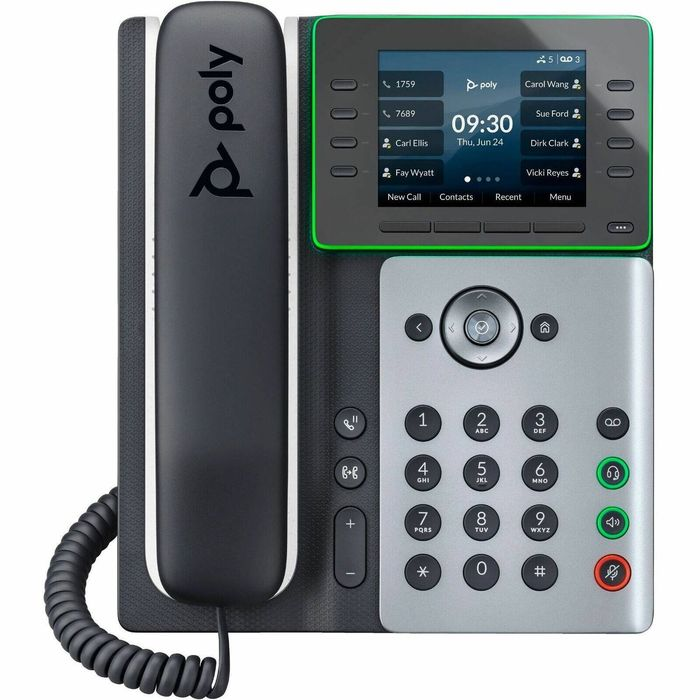
Poly phones are set up through a browser. The admin password is different from most other brands.
Steps
- On the phone, go to Settings → Status → Network to find its IP address.
- Type the IP into a browser.Choose Admin and enter the default password
456.Illustration. Your screen may look slightly different. - Go to Settings → Lines and open Line 1.
- Under Identification, fill in Display Name, Address (your SIP username), Authentication User ID and Authentication Password.
- Under Server 1, enter the Address and Port from your provider.
Illustration. Your screen may look slightly different. - Click Save.The phone may restart, then the line shows as registered.
Tip: Change the 456 admin password straight away. It's widely known.