
Factory reset a Poly VVX phone
Wipe settings on a VVX phone.
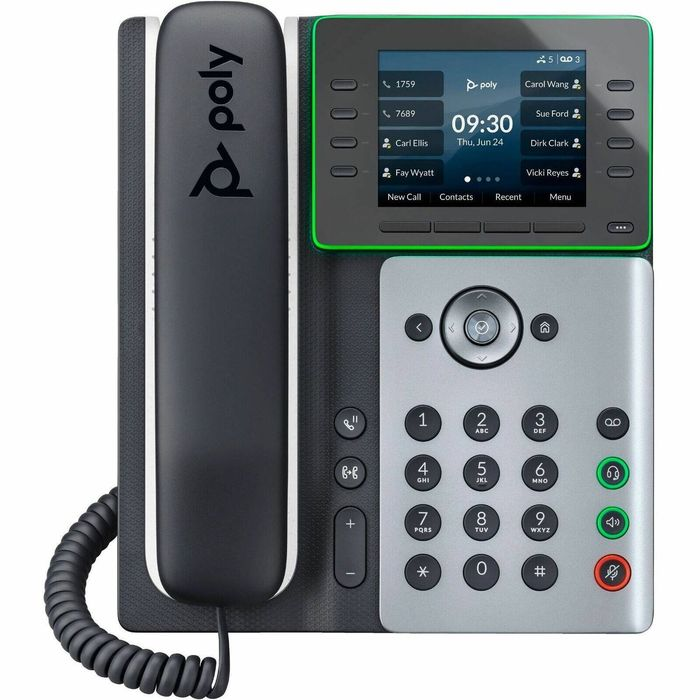
A reset removes all settings. Have your SIP or provisioning details ready.
Steps
- Press Home, then go to Settings → Advanced.
- Enter the admin password (default
456). - Go to Administration Settings → Reset to Defaults.
- Choose Reset to Factory and confirm.
- Wait for the phone to restart.