
Restart a Poly phone
Reboot from the phone or the web page.
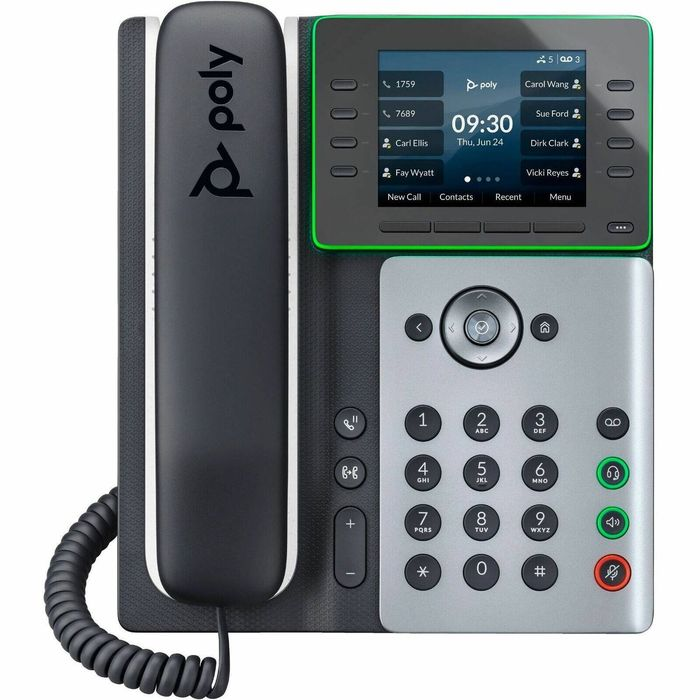
Restarting fixes many small problems.
Steps
- On the phone, press Home and go to Settings → Basic → Restart Phone, then confirm.
- Or, in the web page, use the restart option under Utilities.
Reboot from the phone or the web page.
Restarting fixes many small problems.
Wipe settings on a VVX phone.
Register a VVX 150, 250, 350 and 450 phone to your phone system.
Register a Edge E100 to E550 phone to your phone system.
Set up a SIP line using the web configuration page.
Upgrade software using the web page.
Point the phone at your phone system's setup server.