
Poly line not registered
Fix a line with a warning icon.
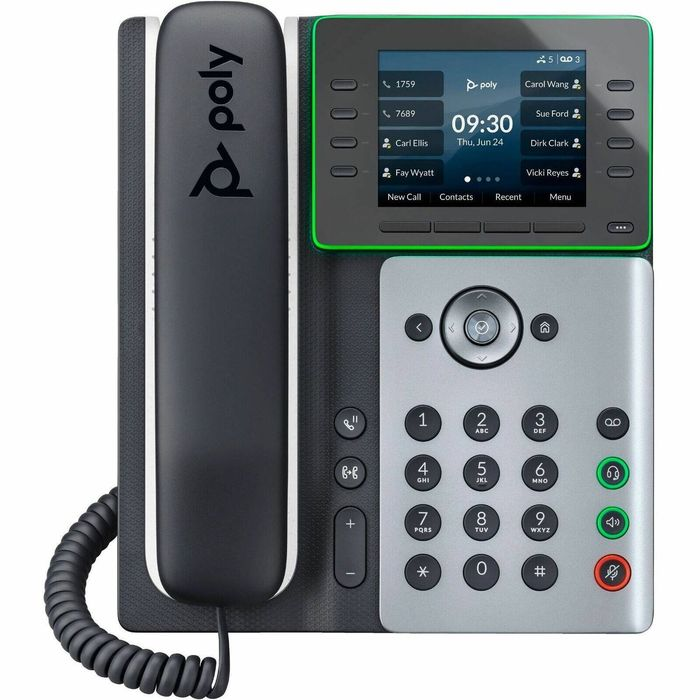
Check the line details first.
Steps
- In the web page, open Settings → Lines and re-enter the authentication password.
- Check the server address and port.
- Save and wait for the phone to restart.
- Check the line icon again.