
Put a Fanvil phone on a voice VLAN
Separate phone traffic from computer traffic.
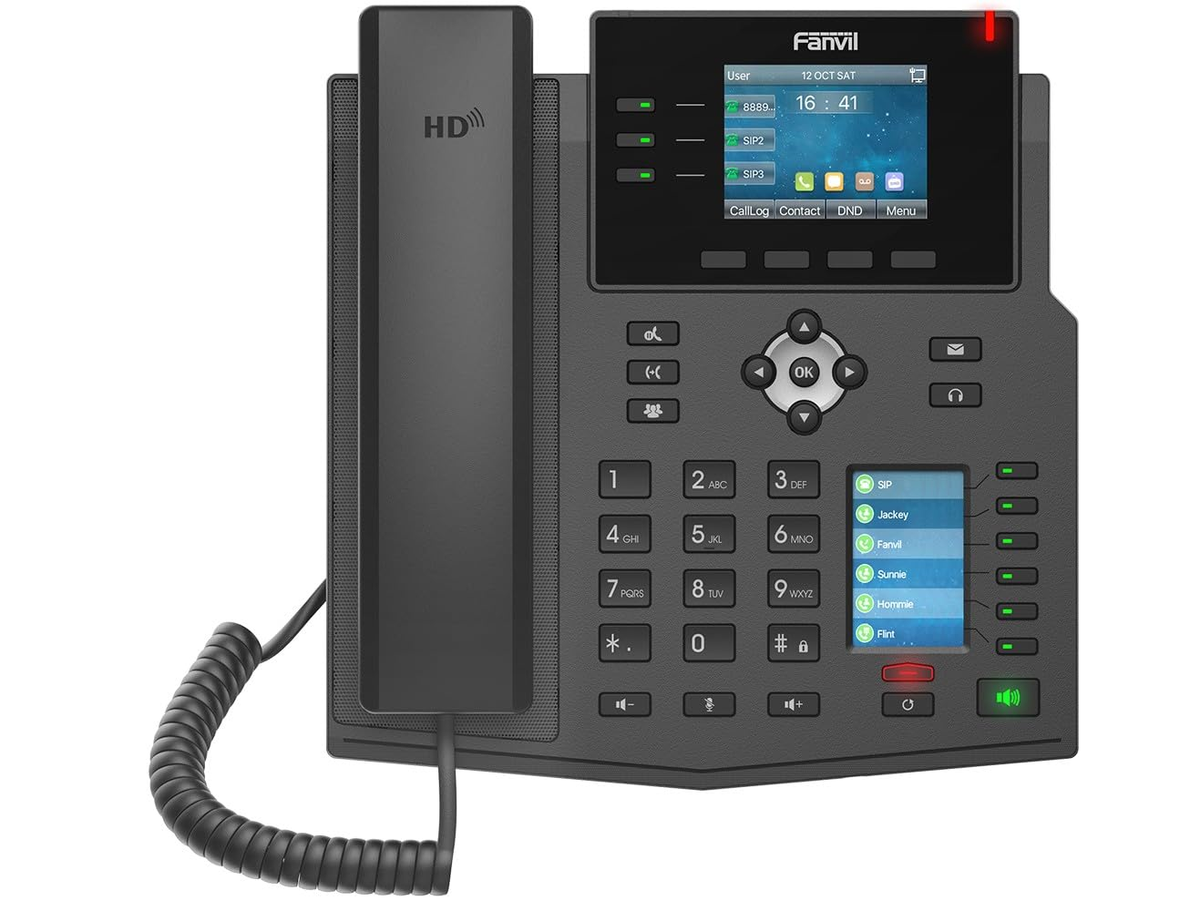
Your network administrator gives you the VLAN ID.
Steps
- Log in to the phone's web page.
- Go to Network → Advanced.
- Under VLAN, turn on VLAN for the WAN port and enter the VLAN ID.
- Click Apply.The phone restarts.