
Set the time zone on a Fanvil phone
Fix the wrong time on screen.
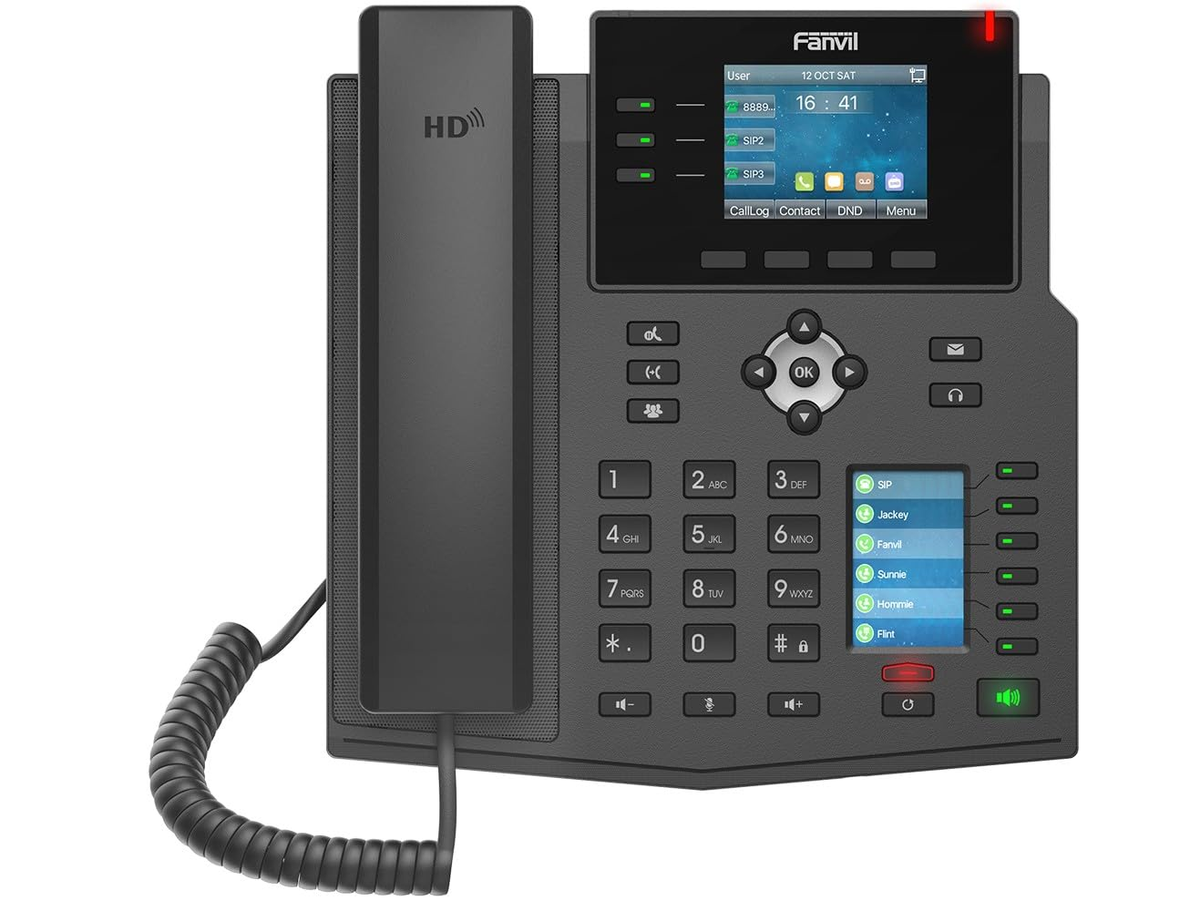
The phone gets its time from an NTP server.
Steps
- Log in to the phone's web page.
- Open the time and date settings (under Phone Settings on most firmware).
- Choose your time zone and NTP server.
- Click Apply.