
Fanvil line won't register
Fix a line that shows as unregistered.
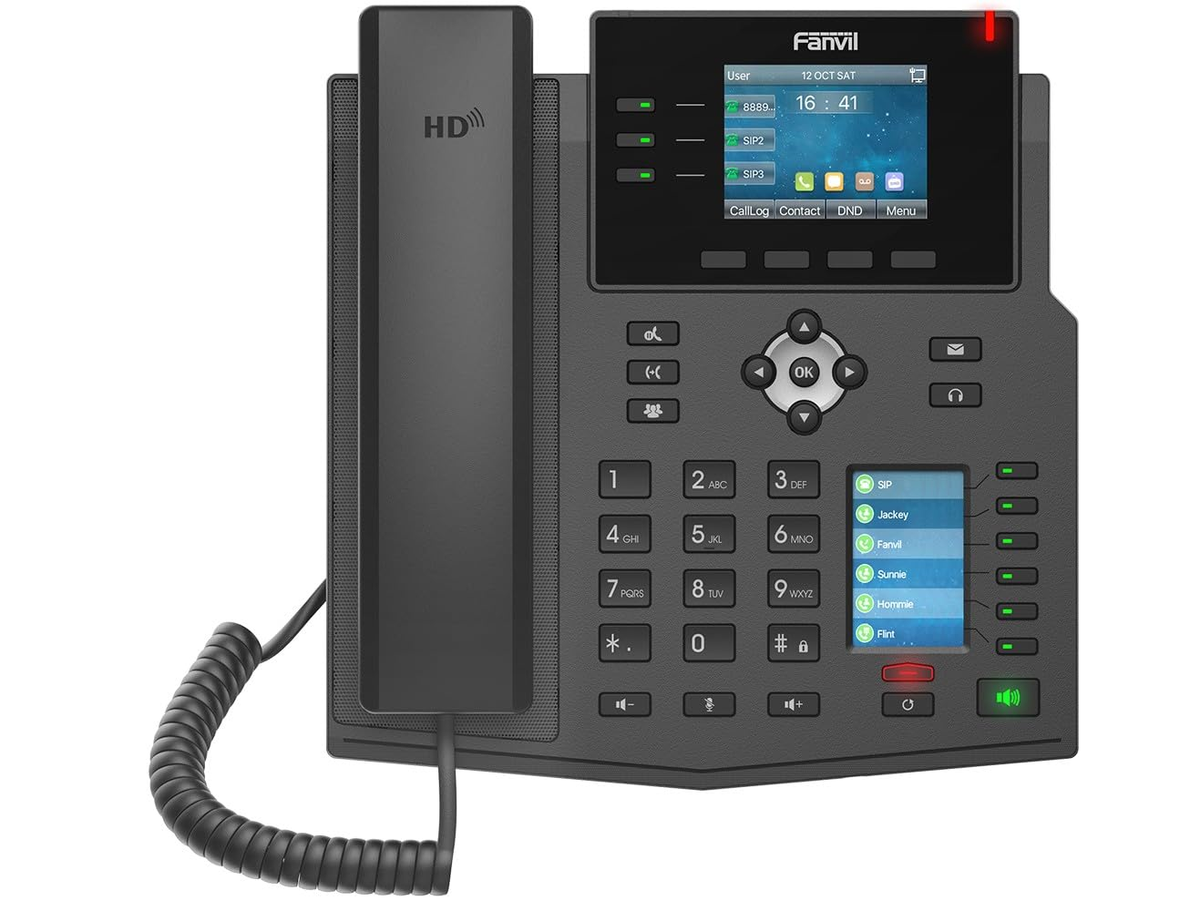
Most registration problems come down to one wrong detail.
Steps
- In the web page, open Line → SIP and re-enter the authentication password.
- Check the server address and port match what your provider gave you.
- Make sure Activate is ticked, then click Apply.
- Restart the phone.If it still fails, see the general “Phone won't register” guide.