
Fanvil ATA has no dial tone
Fix silence on a GA10 or GA11.
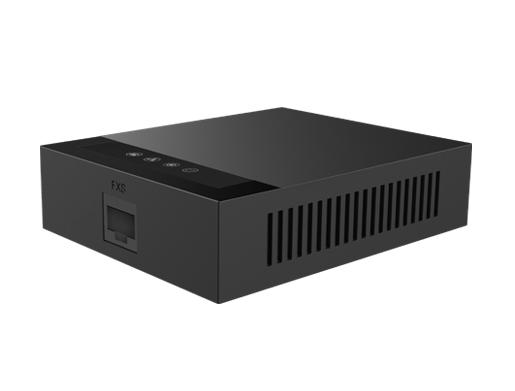
Check power, cables and the line registration.
Steps
- Check the ATA's power and network lights are on.
- Check you're using the right phone socket for your cable (BT-style on GA11, RJ11 on GA10).
- Log in to the web page and check the line is registered.
- Re-enter the SIP details and restart the ATA.