
Set up a BLF key on a Fanvil phone
Show whether a colleague is on the phone.
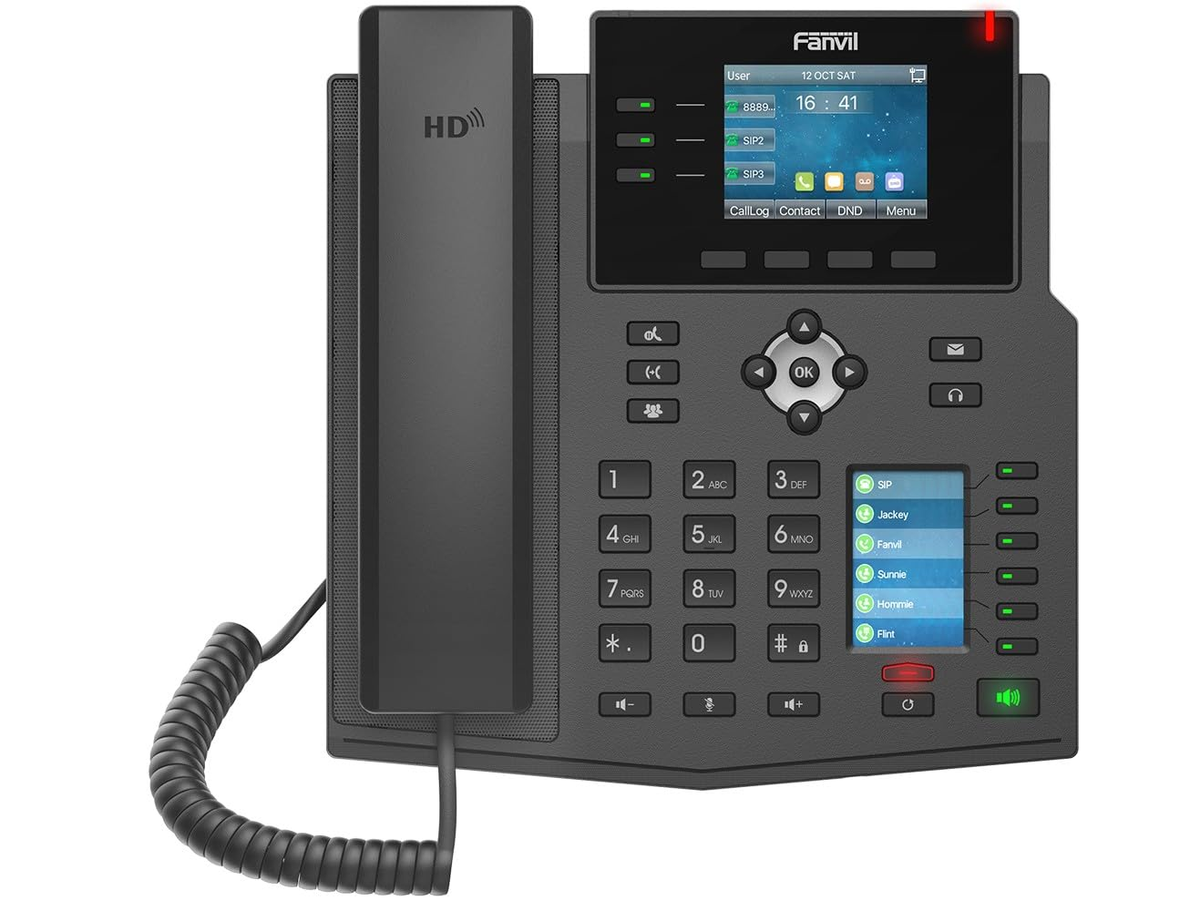
BLF keys light up when the monitored extension is busy.
Steps
- Log in to the phone's web page.
- Go to Function Key.
- Pick a key and set Type to Memory Key.
- Enter the colleague's extension in Value, choose the line, and set the subtype to BLF.
- Click Apply.