
Set an auto-provisioning server
Let your phone system configure the phone.
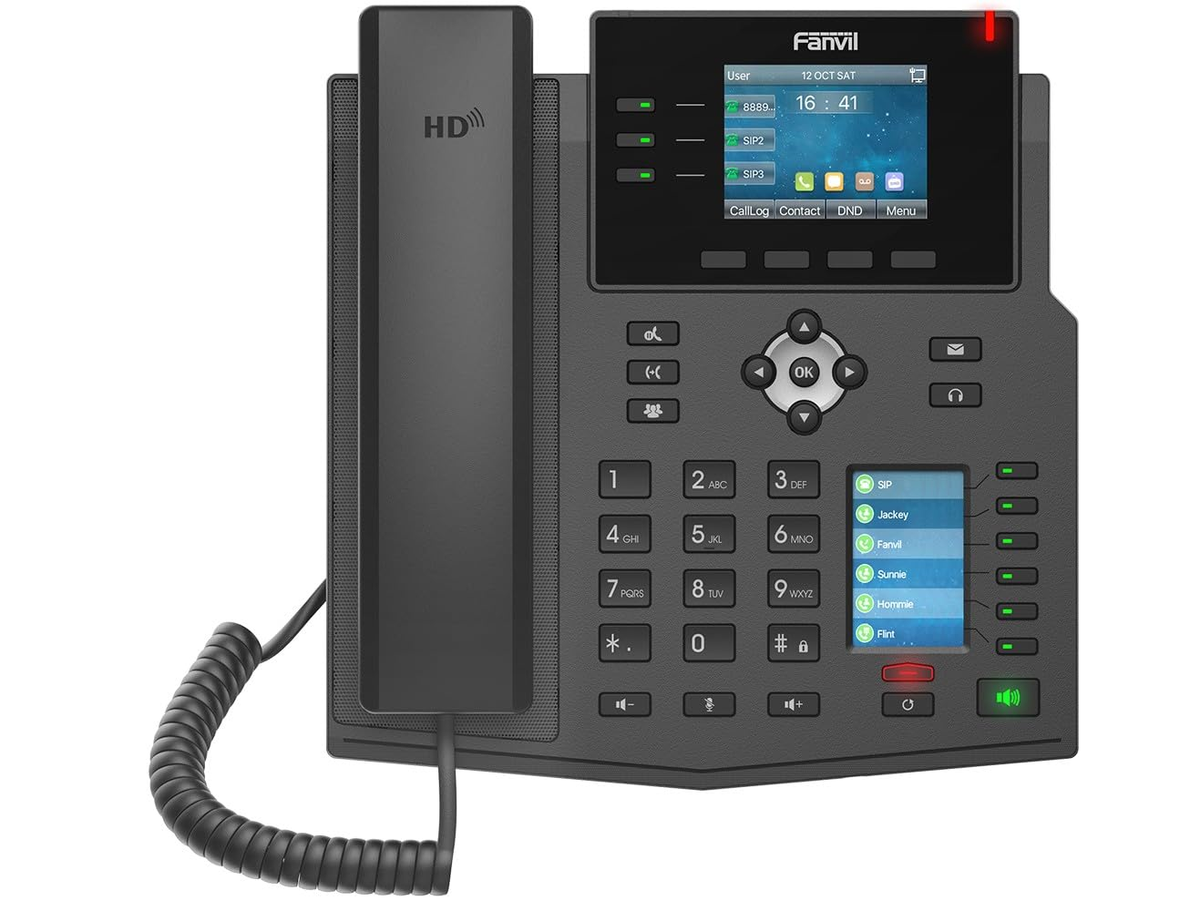
Your phone system or provider gives you the server address.
Steps
- Log in to the phone's web page.
- Go to System → Auto Provision.
- Under the static provisioning server, enter the Server Address and choose the protocol.
- Click Apply, then start provisioning or restart the phone.