
Set up a Snom D7xx phone
Register a D713 to D785 phone to your phone system.
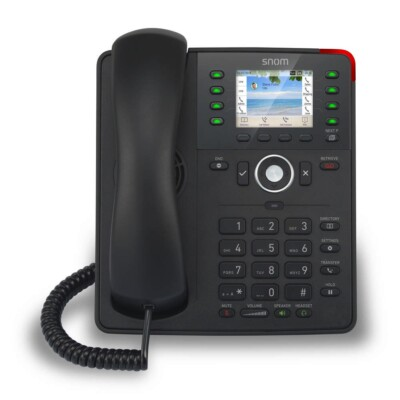
These steps cover the D713 to D785. If your phone system supports auto-provisioning, use that instead.
Steps
- Go to Settings → Information → System information to find the IP address.
- Open the IP in a browser (default admin password
0000). - Open Identity 1 and enter your account, password and registrar.
- Click Apply, then Save.
- Change the admin password.