
Factory reset a Snom phone
Wipe a Snom phone back to defaults.
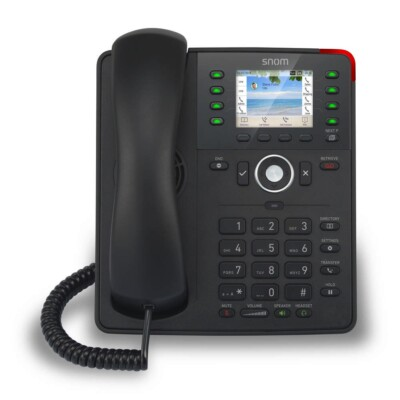
A reset removes all identities and settings.
Steps
- On the phone, open Settings and go to the maintenance options.
- Choose the reset option and enter the administrator password (default
0000). - Confirm and wait for the phone to restart.
- You can also reset from the web page's advanced settings.