
Register a Snom phone to a SIP account
Set up a line on a Snom D7xx or D8xx phone.
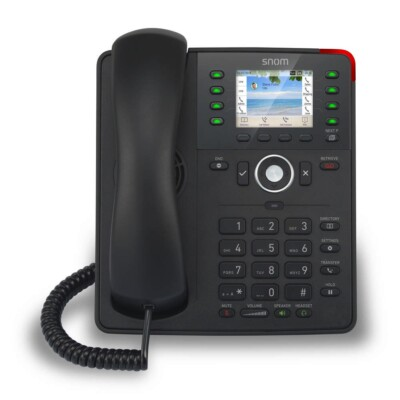
Snom calls each SIP account an identity.
Steps
- On the phone, go to Settings → Information → System information and note the IP address.
- Open
http://plus that address in a browser.The default administrator password is0000. - Open Identity 1.
- Enter the Displayname, Account, Password, Registrar, and Authentication Username.Add an Outbound Proxy if your provider uses one.
- Click Apply, then Save.
- Check the line shows as registered on the phone.