
Set a provisioning server on a Snom phone
Point the phone at your phone system's settings.
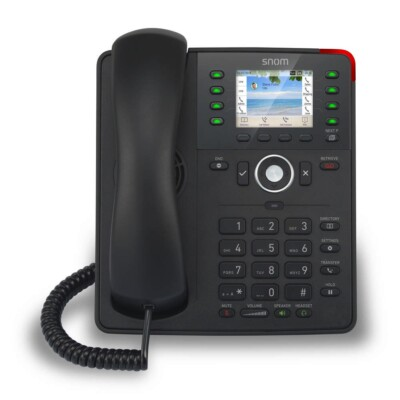
Your phone system or provider gives you the provisioning address.
Steps
- Log in to the phone's web page.
- Open the advanced settings and find the update or provisioning section.
- Enter the address in the Setting URL field.
- Click Apply and Save, then restart the phone.