
Set the time zone on a Snom phone
Fix the wrong time on screen.
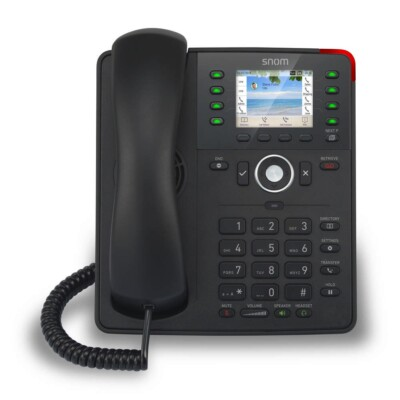
The phone gets its time from an NTP server.
Steps
- Log in to the phone's web page.
- Open the preferences or time settings.
- Choose your time zone and NTP server.
- Click Apply and Save.
Fix the wrong time on screen.
The phone gets its time from an NTP server.
Register a D713 to D785 phone to your phone system.
Register a D812 to D865 phone to your phone system.
Set up a line on a Snom D7xx or D8xx phone.
Register another line on the same phone.
Replace the default 0000 password.
Install newer firmware on a Snom phone.