
Set up a BLF key on a Snom phone
Monitor a colleague's line with a function key.
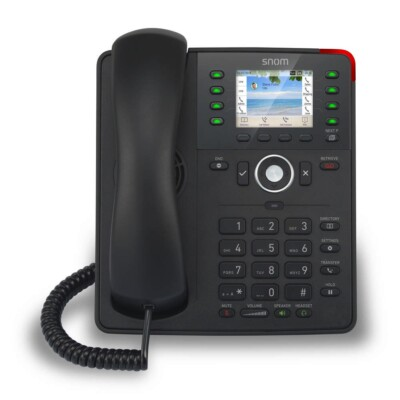
BLF keys light up when the colleague is busy.
Steps
- Log in to the phone's web page.
- Open Function Keys.
- Choose a key, set its type to BLF, and enter the colleague's extension.
- Select the identity to use, then click Apply and Save.