
Grandstream ATA has no dial tone
Fix silence when you pick up the phone.
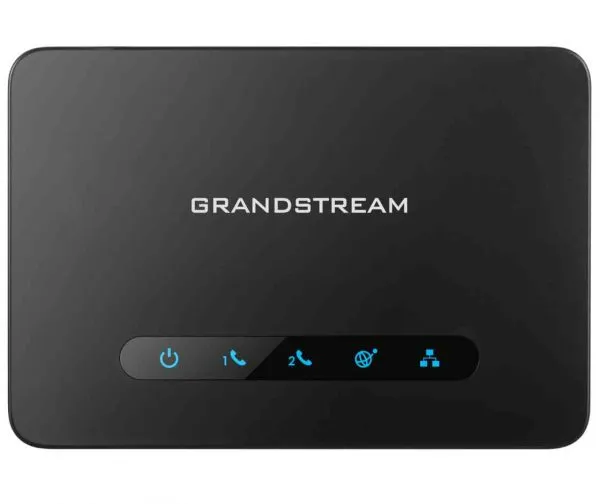
Check power, cabling and registration.
Steps
- Check the power light is solid.Use the right adapter (5V for HT80x, 12V for HT81x).
- Check the phone is plugged into the Phone (FXS) port, not the network port.
- Try a different phone and cord.
- Check Status → Port Status shows the port as registered.