
Grandstream ATA won't register
Fix an FXS port that stays unregistered.
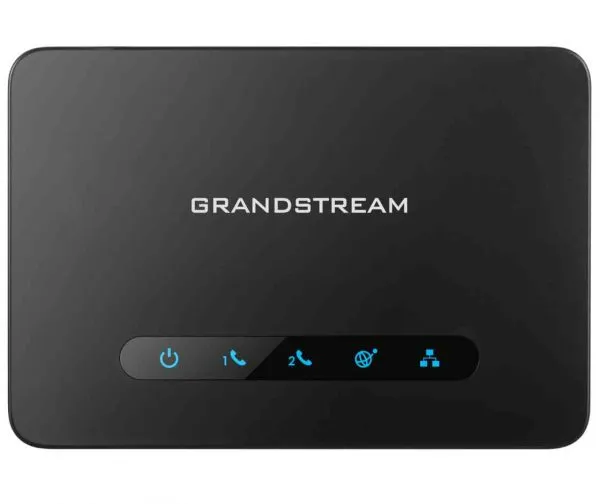
One wrong detail stops registration.
Steps
- Re-enter the password and user ID on the FXS Port page.
- Check the SIP server address.On HT81x, check it on the Profile page and that the port uses the right Profile ID.
- Click Save and Apply.
- Turn off SIP ALG on your router if it still fails.