
Snom identity won't register
Fix a line that won't connect.
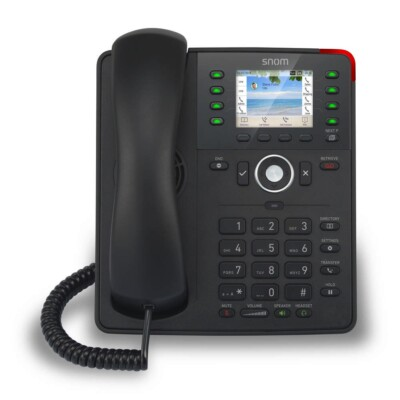
Check the identity details first.
Steps
- Open Identity 1 in the web page and re-enter the password.
- Check the account, registrar and outbound proxy match your provider's details.
- Click Apply and Save, then restart the phone.
- Turn off SIP ALG on your router if it still fails.