
Use a normal phone with a Grandstream ATA
Plug in a home or office phone and start calling.
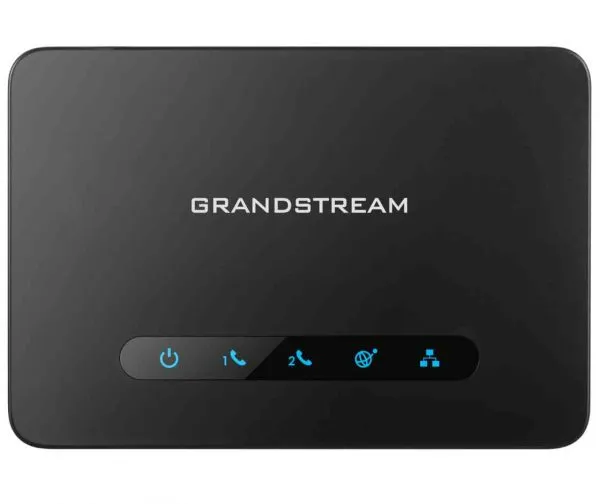
An ATA lets an ordinary phone work on a VoIP service.
Steps
- Plug your phone into the port marked Phone (or FXS).
- Pick up the handset and listen for a dial tone.
- Dial as normal.
- If there's no dial tone, see “Grandstream ATA has no dial tone”.