
Connect a phone, fax or alarm to a Fanvil ATA
Plug in an analogue device and start using it.
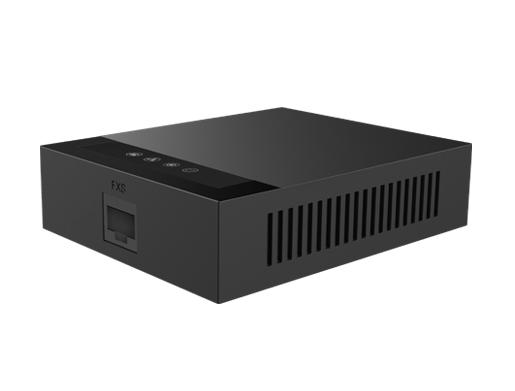
The GA11 uses a BT-style socket, while the GA10 uses a standard RJ11 phone socket.
Steps
- Plug the phone, fax or alarm into the ATA's phone port.
- Pick up the phone and listen for a dial tone.
- Make a test call.
- For alarms and lift phones, ask your alarm company to run a test signal.