
Set up a BLF key on a Poly phone
Show a colleague's status and call them with one press.
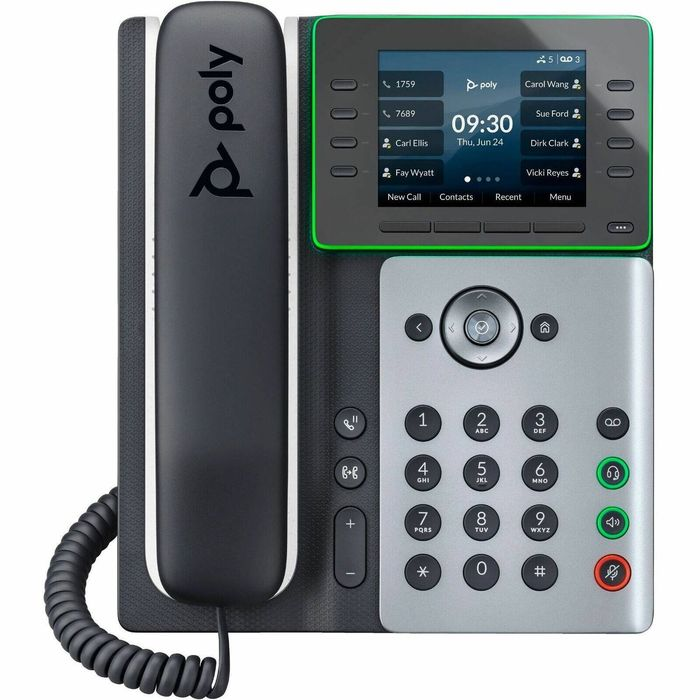
Many phone systems set these up for you through provisioning.
Steps
- Check whether your phone system can add BLF keys for you.If it can, use that.
- Otherwise, in the phone's web page, add the colleague as a Busy Lamp Field contact in the line key or contact directory settings.
- Save and let the phone restart if asked.
- Check the key lights when your colleague is on a call.
Tip: Exact menus differ between VVX and Edge E firmware.